Preparing the updater
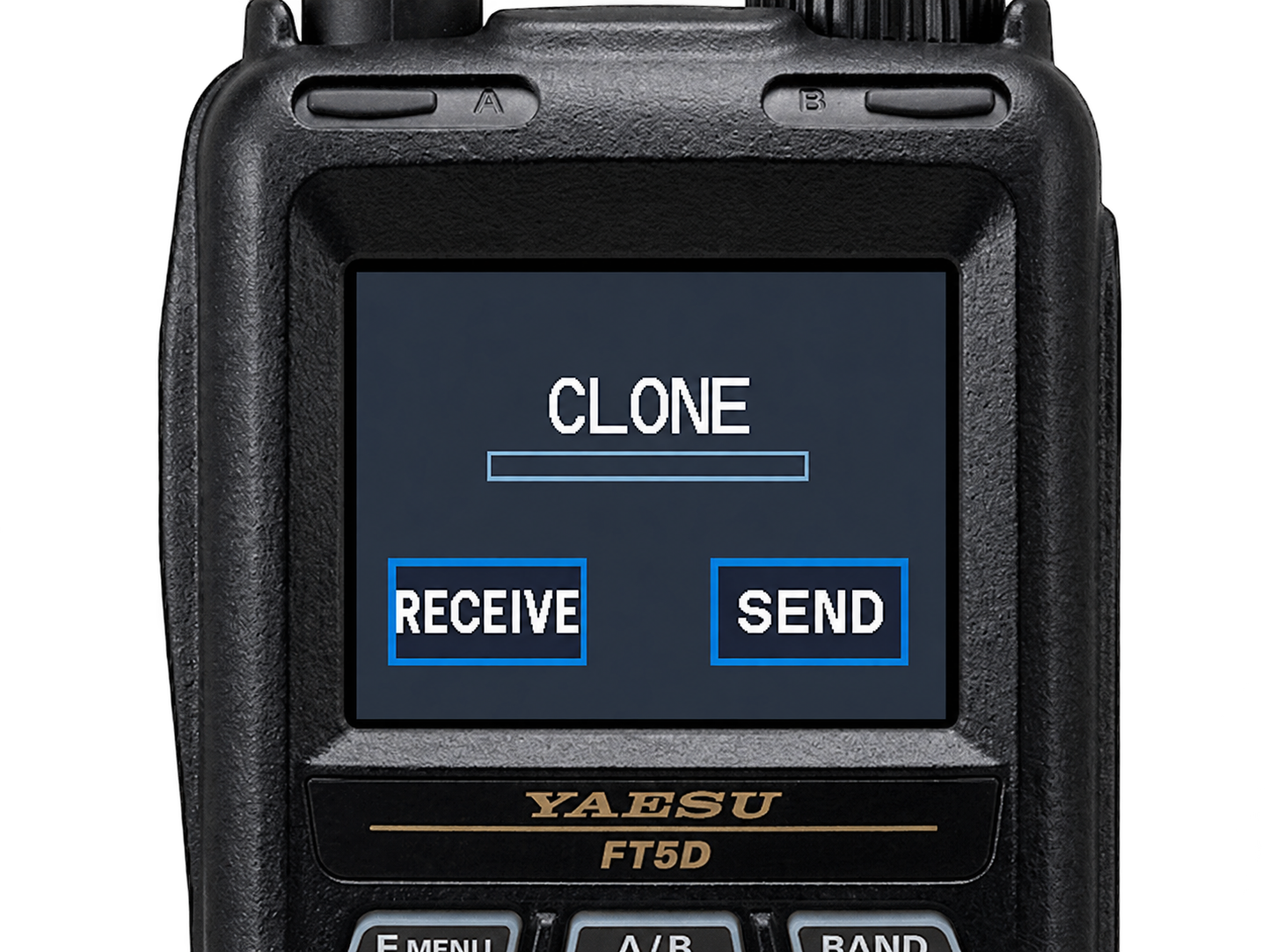
You’ll need a compatible FT5D programming cable. The USB cable included with your radio cannot be used for programming here.
Leave your radio disconnected. Plug the programming cable into your computer, then select it below.
0%
Operator / test details
The browser communicates directly with the cable. Close other radio programming tools before connecting. Transfers retain the tested 30 ms per 32-byte upload pacing. A completed transfer does not verify radio acceptance.
Import club-authored section files with their matching reference image. These are reviewed release artifacts, not general member editing controls. Imported files are kept for this page session.